
Get Started in Custody X Change Quickly & Easily
Why do so many parents use the Custody X Change app? Because it helps you adjust to co-parenting and it's easy to get started on your phone or computer.
Get started quickly with these two steps.
Make a schedule from a template
In Custody X Change, the calendar is the grid.

You fill it with your parenting time schedules. One schedule usually lasts until another begins, like a school year schedule...
 Try this with Custody X Change.
...followed by a summer break schedule.

You can add holidays too.
To make schedules quickly, use templates. Just choose the one that's closest to what you have in mind, then click and drag until your calendar looks the way you want it.
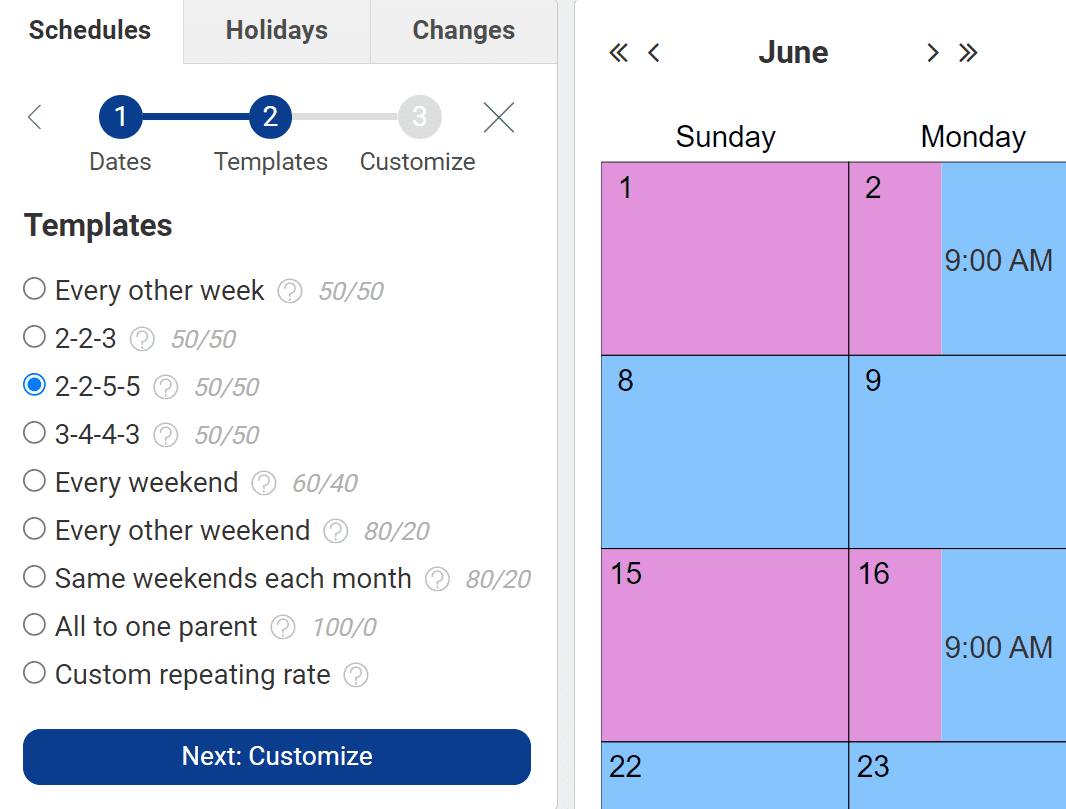
You'll see your parenting time calculated automatically, totaled as hours or overnights (or both).
If you're still thinking about different options for schedules, you can set up multiple calendars. This lets you show options to your co-parent, discuss them with your lawyer, and bring your proposals to mediation or court.
Make a simple parenting plan
Next, most parents create a parenting plan.
Think about which co-parenting rules will best support your child's needs. If you want a rule turned into an enforceable court order, it belongs in your parenting plan.
Start with a few important categories, like physical custody and legal custody. Skip any that aren't crucial to you.
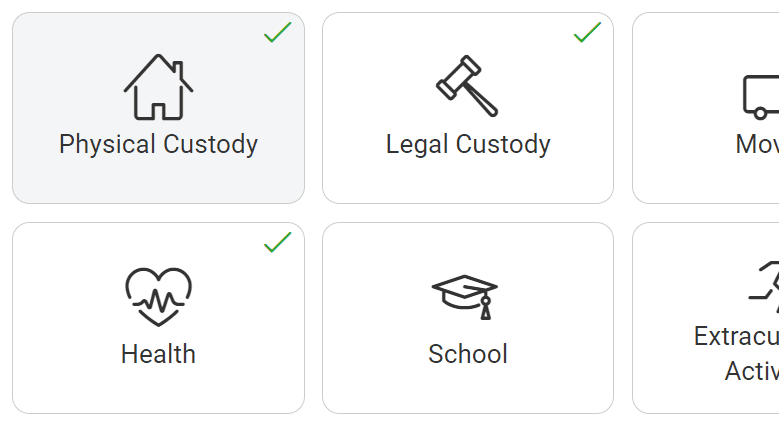
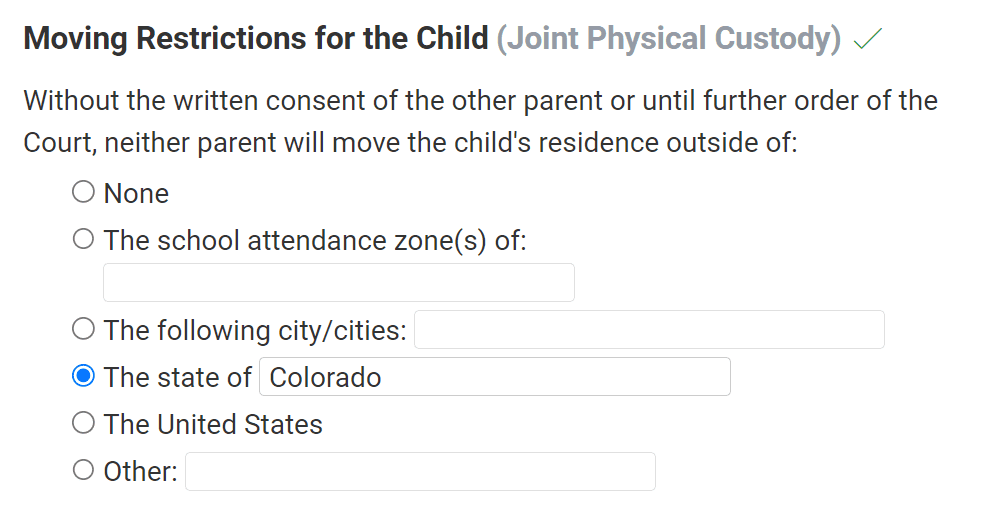
Custody X Change offers standard provisions in language that courts accept — easy from the start. Fill in the blanks to customize them.
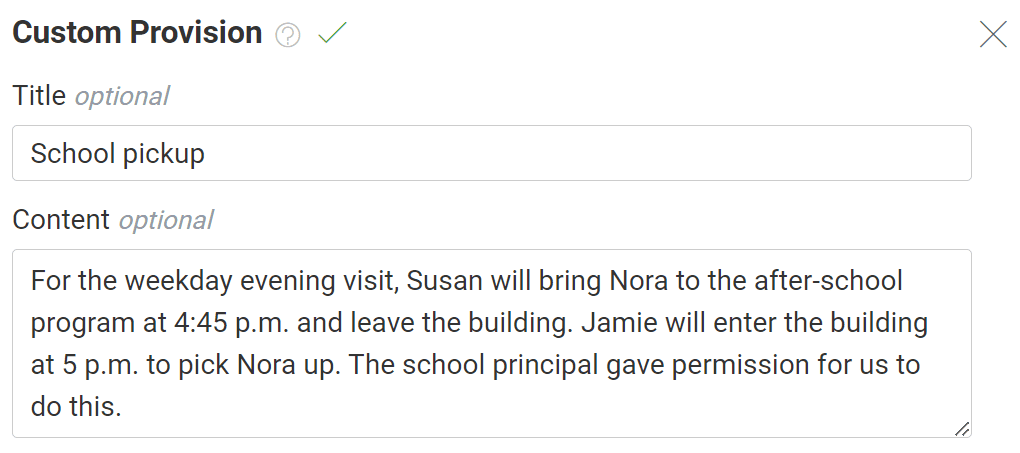
Your child is unique, and you know what your needs are. If you have your own ideas, write them in too. It's your document.
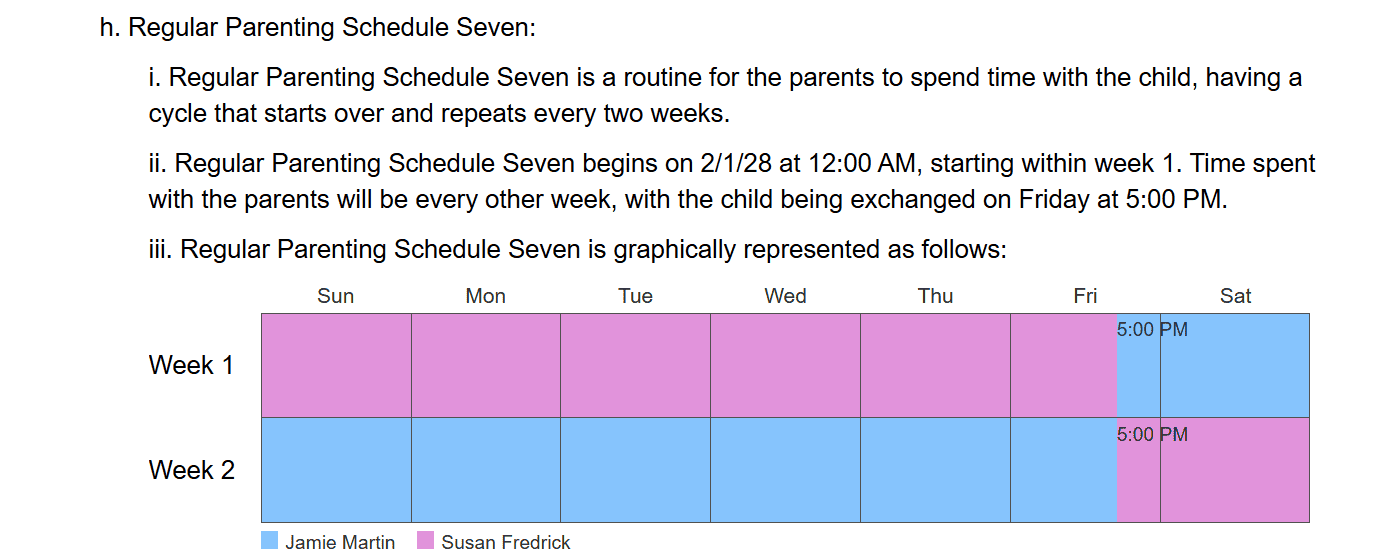
Your calendar is automatically pulled into your parenting plan visually and in writing that courts accept.
Options from here
Link with your co-parent, lawyer or kids
You can link accounts with your co-parent. If you do, you can choose which calendars to share with them. Your parenting plan stays private, and you can export it when you're ready to show it to them.
You can also link accounts with your lawyer. They can enter and edit information for you as they prepare your case.
Your child, as well as anyone else you'd like to invite (like a babysitter), can view your custody and activity calendars.
Even once you're following your parenting schedule and parenting plan, the app lets you make adjustments, big or small. For shared features, one parent receives a notification about any changes the other makes.
Use other features when you're ready
In Custody X Change, some features are shared between linked parents, like child-info storage and expense tracking. Others are private, like your parenting journal. They're all designed to be easy to use at home or on the go.
If you have questions
Our help center offers guidance, including videos.
Testimonials
Here's what some of our customers have said:
The judge adopted my plan that I came up with using Custody X Change. ... It was invaluable.
Stacie Staples – Arroyo Grande, CA
The billing cost from a lawyer to prepare the documents would exceed the cost of the program and would be inferior to what you have developed. … It is a truly valuable tool!!
Russell King – Jacksonville, FL
It has saved several hours of pushing a pencil and rearranging days back and forth. The best part is that it figures out ... time with each parent each month. Well worth the money, do it yourself and hand it to your attorney.