Review of Tomaweb's Custody Keeper
By April Bowen, 5/6/09
Disclaimer: This review should be treated as advertising material, and is brought to you by Custody X Change.
Is Tomaweb's Custody Keeper the right child custody software for you?
Probably not. The software is much too rigid to create any sort of useful parenting schedule, and the reports are less than helpful. Read this review for all the details on how Custody X Change delivers when Custody Keeper fails. I've done an in-depth evaluation that compares Custody Keeper with the child custody software Custody X Change. The goal of providing you with this information is to help you decide which one can best help you with your situation. Now, child custody software has one ultimate purpose: to help you see your kids more. It accomplishes this by helping parents with four things:
1. Creating the Child Custody Agreement
Your child custody agreement is the plan that dictates how much time you spend with your child. So, you want to come up with a great plan that gives you the time you want. A program that helps you create a plan that the child's other parent and the court will accept is a way to make sure that you end up with a custody situation you like. I evaluate Parenting Time and Custody X Change in their ability to make a custody and visitation schedule and calendar, and if they help make a complete parenting plan.
Custody Keeper: Custody Keeper lets you create a basic custody and visitation schedule and allows you to keep a daily diary of comments and also track expenses. First we'll look at the calendar you can create.
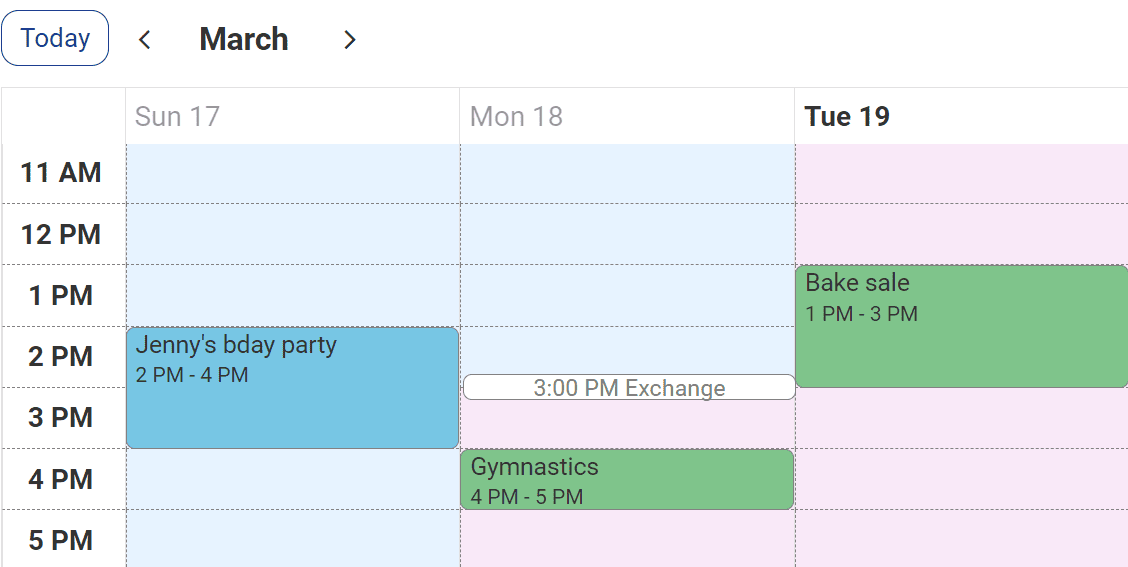
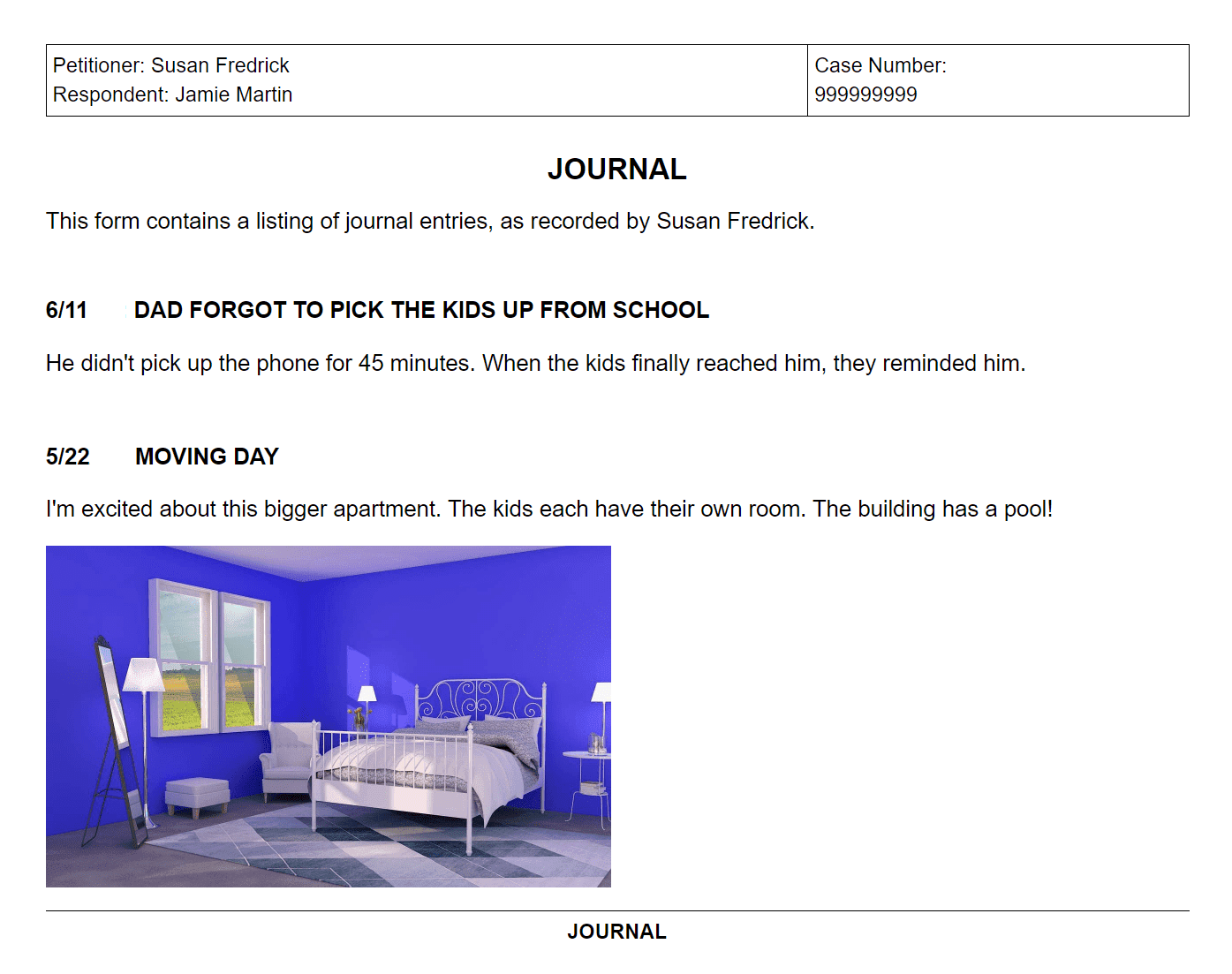
When you open the program, you start a new file and this comes up. ![]() You type in the schedule name and the names of the parents and guardians. As you can see, Custody Keeper allows you to allocate time to up to four different parties. The other side of the box contains an area where you put in the time. You have to designate a morning, afternoon, evening and overnight time slot. This software isn't very advanced and it doesn't give you a lot of options as far as creating your schedule. Once you put in these time slots, they are applied to every day--you can't change the times for any of the days. It's also kind of frustrating to drag the green bars to change the time slots--the times don't change as you drag them so it is difficult to know when to stop. It would be much better if you could just type the times in. This is the backbone of your entire schedule. The calendar then shows up like this. ![]() To allocate time, you double click on the day. ![]() You then drag the colored squares to the times they have custody. You can choose to have the schedule repeat as often as you'd like and also apply it to however many years you'd like to see. Even with this though, creating the schedule is very tedious and repetitive. It's a pain to drag the colored squares to the time slots--especially if the parent has a full day of custody. I couldn't help but think that there has to be an easier way to get this done. Having the rigid time slots is also very confining and frustrating. The program doesn't allow for any flexibility. If you have a very basic custody schedule with no variation then it’s fine, but I don't know anyone who has that. ![]() This is what the calendar looks like after you've divided up the time. It is a nice, easy to read calendar. It also provides the percentage that each parent is with the child. This is important to have. Although, since the program makes you fit your schedule into the four time slots, it also isn't that hard to figure out the time-share percentage. People really need help figuring out the time-share percentage for their complicated schedules. The program also doesn't offer an overnight percentage which some jurisdictions use instead of total time-share percentages. Once the basic calendar is set up, you can add holidays. ![]() As you can see, you can choose from Canadian and US holidays. You double click on the holiday to have it applied to your calendar. Then you can view the holiday and allocate the time. ![]() You schedule the holiday just like any other day. I was disappointed by this because it's nice to have the option to make holidays a little longer (like Thanksgiving Weekend). It also just seems like a slow and tedious way to get the information in. The holiday list is very short--it only has the basic holidays. You can enter in additional holidays under the Custom tab. ![]() Any parent would need to spend a lot of time entering holidays for their school age children. It would be better if the holiday schedule offered a more comprehensive list of holidays that the schools celebrate (and they could even include spring, summer and Christmas break). Along with creating the calendar, you can keep a daily diary of comments and also track expenses. To do this, you click on the day that you want to record information. ![]() Under the Comments tab you can write in anything you want about the day. ![]() Under the Expenses/Support tab you can write in any expenses. After you type in information, symbols appear on the days where you have comments and expenses. ![]() The money symbol is for expenses and the green dot is for the comments. This is a nice, little feature. It is very basic, though, and many parents will probably find that it doesn't really cover everything they need from a tracking feature. It isn't any different than keeping your own paper notes or notes in Microsoft Word. Again, if you have a very uncomplicated and smooth custody situation then it will work--but I don't know anyone who has that. The program allows you to print everything out in a report form. The calendar shows up on the first page, the expenses on the second, the comments on the third, and a summary on the fourth. ![]() ![]() ![]() ![]() You can print out a calendar for a month or for a year. And, you can save the documents in PDF if you needed to email them or make changes. These reports are the first steps toward a custody agreement but there definitely needs to be more. The calendar shows the outline of custody but there isn't any place in the documents that shows what the basic repeating schedule is or what the holiday schedule looks like. Overall, the program is a good start for a custody agreement but it doesn't deliver everything it needs to.
Custody X Change: Custody X Change lets you create an entire parenting plan or custody agreement. The interface is very user friendly, and the program is built on layers so it's easy to make a custody and visitation calendar. The first layer in the program is deciding what type of repeating cycle of custody you want
![]() The program has many options to choose from. You click the one you want and it applies it to however many years you want to see. This saves you a lot of time because you don't need to go through each day and allocate time. You can make a custom repeating cycle and put in any times that you want. This feature is very flexible and lets you create a completely personal calendar that works for your situation. As you can see in the above picture, after the repeating cycle tab you can move on to vacation time and holiday time. With vacation time you can enter in the dates of your vacation as a specified vacation or put in an unspecified vacation clause into your agreement ![]() ![]() The program also lets you easily add holidays and divide them between the parents. You check on the box of the holiday and then you can put what parent has that holiday and the times the holiday lasts. ![]() You can create a holiday schedule quickly and effortlessly and have it be exactly what you want. The holidays can last several days and you can put in the times that the holiday ends. This is what parents need when they are creating their custody agreement. The list of holidays is also very inclusive--it has pretty much everything that parents with school age children would want to consider. ![]() The program also offers different defaults for different ages of children. You can add extra holidays onto the list, and you can have the program swap the holidays between parents by clicking on a button. The benefit of the program about being built in layers is if that you ever need to make a change in the calendar you can easily do so without disrupting anything. Like, if you change the rotating schedule to start a week later, it doesn't change the holiday schedule. Along with holiday and vacation time, you can add any type of special event. The program's interface really shines here. You can simply click on any day and drag to the times you want to event or visitation to last. It's so easy! You can also type in the times. ![]() You can see here how I've added special events--and the special event bar off to the side. This is fantastic and allows you to create the exact schedule that you need. The program really focuses on letting the user easily create what they want. At the bottom of the calendar, the program keeps track of the time share percentage of both parents. This is nice to know while you're creating your visitation times because you always know exactly how much time you have with the child. Custody X Change does more than allow you to create a calendar. You can also create your entire agreement and print it out in legal terms. The program includes a long list of parenting provisions that you can read through and check if you want included ![]() (these are just the first few provisions--there is quite a long list to choose from, and you can even add your own) Once you check the provision, it prints out like this ![]() Custody X Change then allows you to print off your entire parenting plan. You can choose if you want the plan to use the terms custody/visitation or child lives with (some states really care about this). The finished parenting plan is a nice, professional document written in legal terms. ![]() This custody agreement covers all the bases and is completely thorough. It lays out the custody and visitation schedule, the vacation and holiday schedule, the parenting provisions, and the time-share calculations. You can also export the documents to Microsoft Word or PDF if you want to add something or edit it. 2. Preparing for Court
Custody Software can be a great help for a parent to prepare for court. The more prepared you are for court, the more likely your plan will be accepted--and you'll get the time you want with your child. A big part that software plays in preparation is providing you with documents that you use to present your case. Here I review the documents that both programs offer.
Custody Keeper: As mentioned before, Custody Keeper lets you print out a calendar and the comments and expenses. This isn't a complete custody agreement and a parent that wants to use it in court would need to make and print extra documents like the written custody schedule, the holiday schedule, any provisions or stipulations and complete time-share records.
It's nice that the program lets you keep track of expenses and also to make comments about the days. However, these features aren't complete in Custody Keeper. They might help a parent who is going back to court to get custody changed. The program just doesn't offer enough to really make a parent feel confident about going to court. I wouldn't want to present my case using such rudimentary software.
Custody X Change: Custody X Change is better overall for parents who are preparing for court (or mediation or just a meeting with a former spouse). This is because of the phenomenal parenting plan that you can print that we discussed above. Parents can bring in a whole year of a custody and visitation calendar complete with holiday, vacation, and special event times. They can also have a list of provisions and stipulations to show the court. They even have an exact time-share percentage to show how much time each parent has with the children.
Custody X Change allows you export your plan into PDF and Microsoft Word. So, if you need to make any personal changes you can do so. Custody X Change doesn't have any sort of tracking at the moment. It is planning a release of some tracking modules at the end of the summer 2009. This will be a nice addition to the software. The parenting plan you can create is the thing you need in court--it shows that you have thought through your case and that you have professional documents to prove it. Custody X Change gets high marks for this. 3. Working With the Other Parent
Working with your children's other parent can help you get more time with your child because if you are working together you are much more likely to come up with a custody arrangement that is fair. If the parents work together it also means that they will be less likely to deny visitation times and there can be more flexibility with custody and visitation times.
Custody Keeper: Custody software in general is usually helpful for parents who are trying to work together. It seems to make the process of creating a child custody agreement a little more objective. It's also nice to create several different plans and for parents to make changes easily. However, the better the software, the easier it will be to work together. Custody Keeper doesn't have enough benefits to make the program worth the purchase.
Custody X Change: Custody X Change encourages parents to work together during the creation of their child custody agreement. They can easily make a custody and visitation calendar--and then they can easily make changes as they need to. The time share percentage is a great help because both parents know how much time they have with the kids. It's easy to export the information to PDF or Word and then email it to the other parent. Because Custody X Change lets you do more to create your parenting plan, it is the better option for parents who want to work together.
4. Saving Money
Saving money lets you see your kids more because you don't have to drop out of the custody fight because you can't afford an attorney or any more legal fees. In fact, many people turn to custody software as a help or a replacement for their legal aid. There are a few ways that a program can save money. I consider if the program can help to reduce child support, save you money in legal fees, and the cost of the program.
Custody Keeper: Custody Keeper does keep track of time-share percentage which many states use to calculate child support. However, they don't include a time-share report which is important for the calculations. It is also missing overnight percentages which some states use instead of total timeshare to calculate child support.
Custody X Change: The big thing with this program is that is calculates the time-share percentage and the overnight percentage. Pretty much every state uses one of these numbers to calculate child support. These numbers are also extremely difficult to calculate. Many courts and attorneys don't even bother to come up with the right amount. They make a guess. With Custody X Change though you have the exact amount--so you can make sure you are paying the right amount of child support. And, you can experiment with different custody and visitation schedules (which will impact the time-share percentage) so you can lower your support payments. This is a great feature.
Here's a blog post by an attorney in California about what he had to say on this feature of Custody X Change. (click here) ![]()
Custody Keeper: Custody Keeper lets you do some of the work that your attorney does so it could save you a little money with legal fees. However the program doesn't do enough--you still need a lot of help from a lawyer or you need to do a lot of work on your own.
Custody X Change: Custody X Change actually does a lot of the work that parents pay their lawyers to do. (Many lawyers also use the program). Parents can take the time to create their own parenting plan and give it to the lawyer to make a few changes--this will save them quite a bit of money. Parents can even use the program to represent themselves in court--which would save even more money.
Custody Keeper: Custody Keeper costs $44.95. The low price reflects what the program can do.
Custody X Change: Custody X Change has versions ranging in price from $147-297. You have the option to pay in installments--you can make 1, 3 or 5 payments. The price is obviously higher than Custody Keeper, but this is a case of getting what you pay for. Custody X Change costs more because it is better. It's worth the extra money to get a program that's easy to use and does everything you need.
Customer Support
Before you decide to buy a program, you want to make sure that you are a valued customer and if you have questions you'll get answers. It's also nice to try a sample of something before you purchase.
Custody Keeper: Custody Keeper gives you a 10 day free trial of the program (you have to hunt and peck to find the link to it though). In the trial mode you cannot export your documents to PDF or print them (which is understandable).
Custody Keeper also provides a request for help form on their website, a help button in the program and on the website.
Custody X Change: Custody X Change gives a 30 day free trial of the program. You can save one plan in the trial (in the program you can create multiple plans) but you cannot print or export the documents during the free trial.
Custody X Change offers instructional videos, a FAQ and help page, a help button, and an email and phone number for questions. Quick Overview
A side by side review of the categories I looked at.
Parenting Time
Creating Your Custody Agreement
Custody X Change
Creating the Custody Agreement
Here's a link to the custody keeper website if you want to learn more.
Recommendation
Recommendation: I highly recommend purchasing Custody X Change over Tomaweb's Custody Keeper. Custody X Change outdoes Custody Keeper in every way. It is a better program and will help you more with your custody situation. The price is higher, but you will save more in legal fees and in time than you will with Custody Keeper. Don't waste your time and money on a cheap alternative that won't help you in your custody case. Custody X Change is the better choice to help you get more time with your children.
|
|
|