
Alternating-Weeks Visitation Schedule Examples
The alternating-weeks schedule is a 50/50 custody schedule. Your child spends a week with one parent and the next week with the other parent. This repeats throughout the year. You may also hear it called the every-other-week schedule.
 Try this with Custody X Change.
Customizing the alternating-weeks schedule
You can customize the alternating-weeks schedule to fit your situation. Here are some sample alternating-weeks schedules.
Change the start day
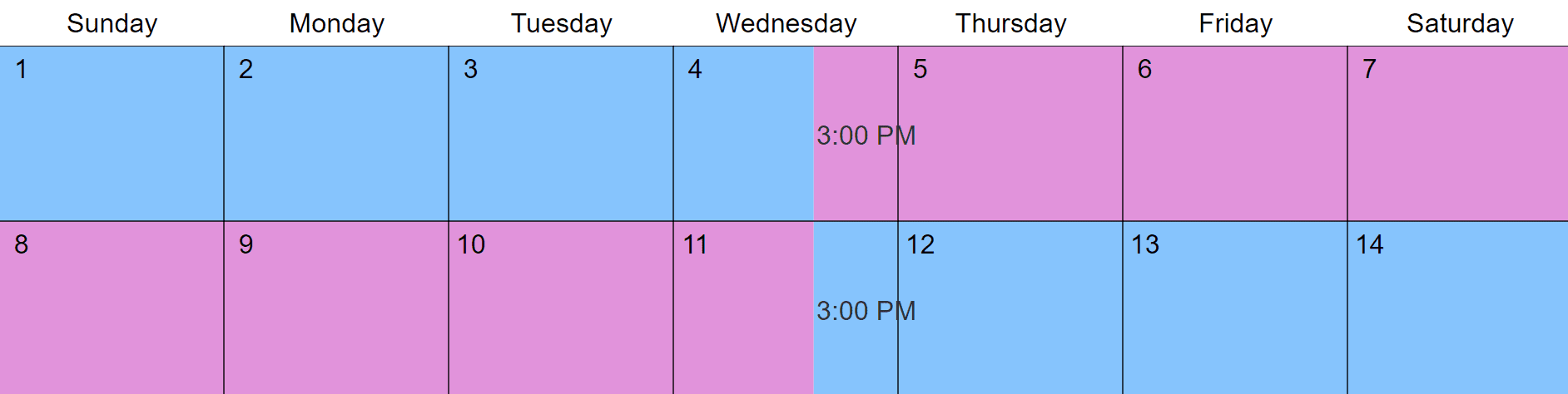
You can pick any day to start the schedule. Here is the exchange on a Wednesday.
Add a midweek visit
You can add a midweek visit for the parent who doesn't have the week. The schedule below shows a visit on a Tuesday evening.

Add an overnight visit
Another option is to add an overnight visit for the parent who doesn't have the week. Here, there's an overnight visit on Wednesdays.

Use third-party time
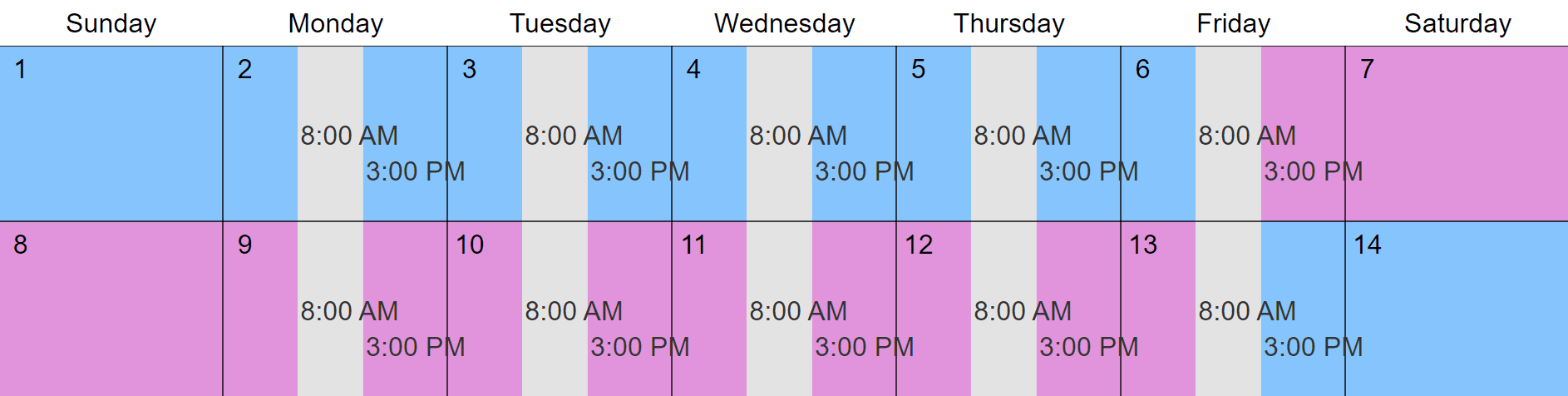
You can show when your child isn't with either parent by marking third-party time. Here's the schedule with school time included (shown in gray).
Calculate your time
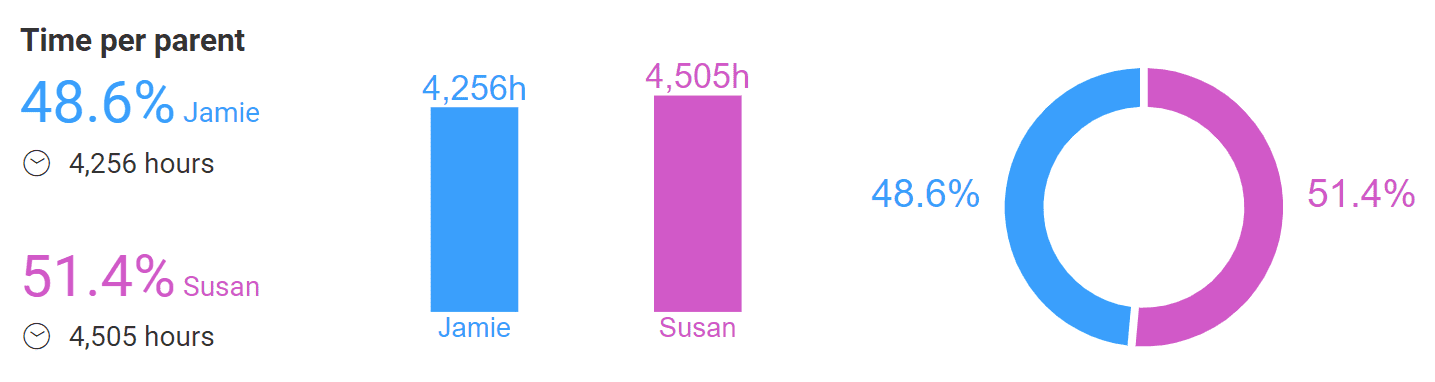
A visitation timeshare calculator keeps track of parenting time. It can help you maintain a 50/50 timesplit as you add holiday visits and make other changes.
Pros and cons of the alternating-weeks schedule
Pros:
- Parents spend equal, long periods with the child.
- You can add midweek or overnight visits so the child sees both parents during the week.
- There are limited exchanges, which can help children who struggle with change.
- Having the child for a whole school week helps each parent keep track of the child's assignments during their time.
Cons:
- Parents of school-aged children must live fairly close to the school.
- Parents must live reasonably close to each other.
- Some children struggle having two primary residences.
- Parents must communicate frequently and keep each other up-to-date on school and activities.
- Parents or the child may struggle being apart for an entire week.
Other co-parenting schedules to consider
3-4-4-3 schedule: More exchanges allow your child to see each parent for roughly half of every week.

Two weeks each: Longer periods suit older children with busy social lives and work schedules.

Whole-week/workweek/weekend schedule: To vary the length of visits, you can give each parent an entire week with the child, then Monday through Friday, then a weekend.

The easiest way to make an alternating-weeks schedule
There's a lot to think about when you build a parenting time schedule. You'll want it to address holidays and school breaks, give the right amount of time to each parent, and work for years to come.
The Custody X Change app makes it easy. Just follow the steps to make a custody schedule. In Step 2, make sure to select "every other week."
Try this with Custody X Change.
To make a custody schedule quickly and affordably, turn to Custody X Change. You'll get a written schedule and a visual calendar that meet your family's needs, as well as court standards.