Creating Child Custody Schedules that Work
You can create your own custody schedule (on your own or with the other parent) or you can work with an attorney or legal professional and have them create it. If you don't want to pay the high cost of an attorney, you can easily make your own schedule with Custody X Change.
Custody X Change is software that creates custody schedules and professional parenting plan documents. Use the free download to see how it can help you.
You can also use Custody X Change to:
- Explore options for your custody schedule
- Negotiate a schedule and agreement with the other parent
- Show your attorney schedules that you like
- Prepare sample schedules and plans for mediation
- Make a schedule and plan to present in court
Your custody schedule should contain the following parts:
Residential or school schedule: this is the everyday schedule of where your child spends time. This is also called the repeating cycle of custody and visitation.
Holiday schedule: this schedule shows which parent your child will be with on the holidays.
Vacation or school break schedule: sometimes the everyday schedule changes when the child is on school break or vacation and a separate everyday schedule is needed. You can also schedule vacation time when each parent takes the children on vacation.
Extra or special events: these are the one-time changes to the custody schedule because of extra or special events that arise.
You can easily create your own custody schedule. See the video.
The first decision to make for the residential schedule is where your child will live. Depending on the needs of your child, you can choose to make a schedule where the child spends significant time with both parents (a joint custody schedule) or a schedule where the child has a home base with one parent and visits the other parent (a sole custody schedule).
Some common joint custody schedule examples include:
- Parents alternating weeks when the child lives with them.
- A 2/2/5/5 schedule where the child lives with one parent for two days, with the other parent for two days, with the first parent for five days and then with the other parent for five days.
- A 3/3/4/4 schedule is the same as above except the parents rotate three and four days.
- The child spending weekends and several evenings with one parent and the rest of the time with the other parent.
- A schedule where the child lives primarily with one parent during the school year and then lives primarily with the other parent during school breaks.
Some common sole custody schedule examples include:
- The child visiting the non-residential parent every weekend.
- The child visiting the non-residential parent every other weekend, or some alternating weekend schedule.
- A weekend visitation schedule with evening or overnight visits during the week.
A good place to start when making this schedule is to outline the parenting time for two to four weeks. Then, you just repeat your two to four week cycle throughout the year. If you have an unusual schedule, where the time doesn't consistently repeat, then you may need to make the schedule a month at a time or in shorter increments.
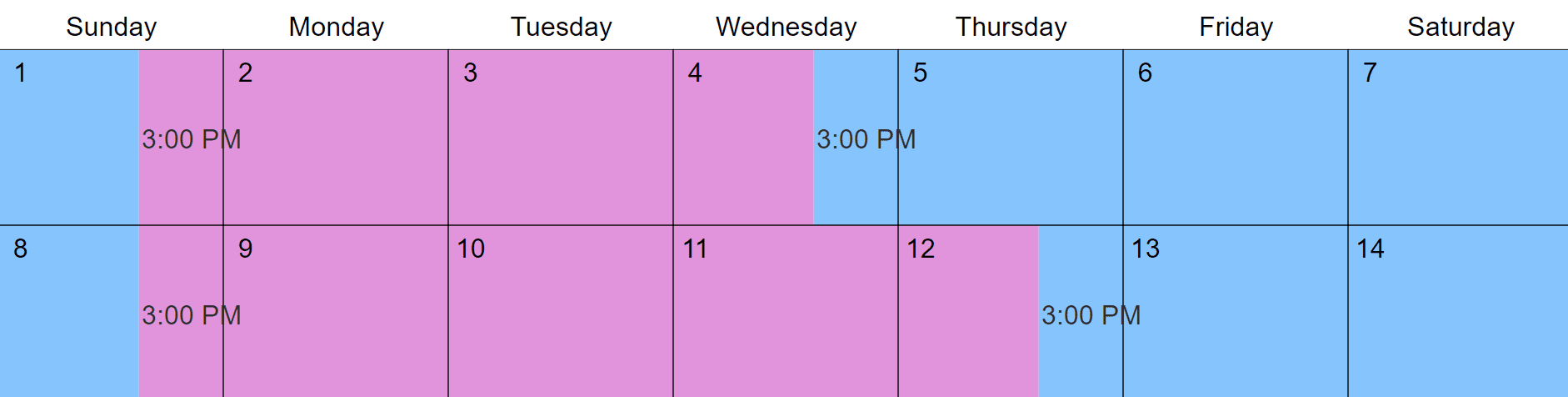
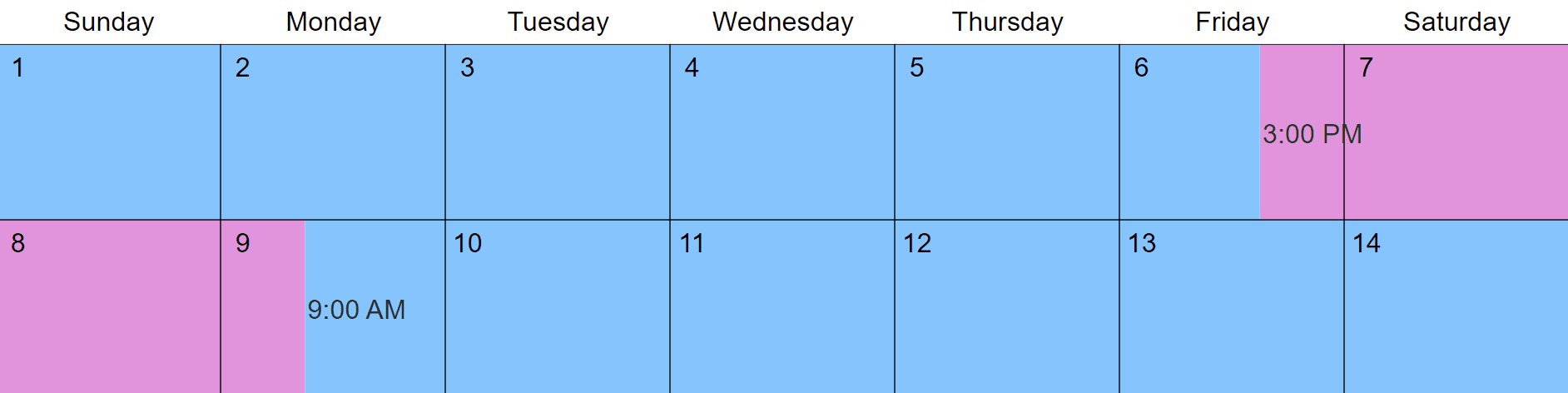
Custody X Change provides sample residential schedules to choose from that you can modify to fit your situation. You can also make your residential schedule from scratch. The software then applies your repeating schedule to the whole year and you can see how it looks in the calendar.
When creating your schedule with Custody X Change, you can:
- See the timeshare percentage of both parents
- Look at different options for parenting time
- Create a custom schedule that works for you and the other parent
To make your holiday schedule, you:
- Make a list of all of the holidays you want to include in your custody schedule. You can include national, school, and religious holidays in your schedule.
- Decide how long the holiday time will last. For example, is Thanksgiving just the day or the whole weekend?
- Decide where your child will be during each holiday. You can give entire holidays to one parent and alternate the holidays or you can have the child spend time with both parents on holidays. Each parent should have about equal holiday time during the year.
- Write down the holiday time on your custody schedule and determine how you will rotate the holidays every year, or if you will make a new holiday schedule every year.
The holiday schedule takes precendence over the residential schedule because it shows where the child will spend holidays and special occasions. This means that if a parent usually has the child for a weekend, but the weekend is a holiday and the other parent is scheduled for it, the parent scheduled for holiday time has the child.
As you make your holiday schedule, you should think about current holiday traditions that your child enjoys. While you may not be able to keep everything the same, your child will take great comfort knowing that certain traditions and celebrations will be consistent.
To make your holiday schedule in Custody X Change, you simply choose the holidays you want to include and put in the holiday times. You can choose from the list of holidays in the software and make your own holidays. The software then puts your holiday time into the calendar.
If during the school year your child lives primarily with one parent and visits the other parent, you may want to change the residential schedule during summer and other school breaks to allow the other parent more time with the children. The different residential schedules are called vacation schedules.
Not every custody schedule needs a vacation schedule. To decide if you want one, you should look at how much time each parent has the children. If you want to make the time more equal, but your child does better living longer with each parent, you can make a vacation schedule.
To make this schedule, you simply come up with a new residential schedule that applies for a certain period of time. The schedule then changes during that time.
Custody X Change lets you set up multiple residential schedules for your child's school vacation time. The software then puts all of the information into the calendar.
Yes. You can schedule specific dates for each parent to take the child on vacation, or you can have unspecified vacations. Unspecified vacations are when each parent is allowed to take the children for so many days during the year when they give notice to the other parent.
Custody X Change lets you add specified or unspecified vacations to your schedule. You can then see your compiled schedule in the calendar, and you can see how the vacation time affects your timeshare percentage.
Your child is going to have extra events that change the normal schedule. For example, if your child participates in a sport, there may be changes in the schedule when there are games. Or, your child may have some social or school activities that will impact visitation.
If you know about the special events in advance, you can go through and mark them on the schedule. Then you can come up with a way to balance out the parenting time.
Since some special events come up at the last minute, you will need to come up with a way to make changes to the schedule and communicate those changes to the other parent. Be flexible with your schedule so that your child can do extra activities and be involved.
When special events arise, you can easily make changes to your schedule in Custody X Change. Then, you can use the features of the software to stay on top of the new schedule and give the other parent a copy of the new schedule.
With Custody X Change, you can:
- Print new copies of your schedule
- Export your information to Word, PDF, or Excel and email the info to the other parent
- Sync your new custody schedule with your Blackberry, iPhone, Palm/PDA, Outlook, Google Calendar, Yahoo Calendar, Windows Live, etc.
Custody schedule provisions and rules
Custody schedule provisions can help your schedule run smoothly. Custody provisions are rules or guidelines about how certain things are done so the schedule works for both parents.
Some example provisions that can help your schedule are:
- Information about transportation to and from exchanges
- Where and how exchanges between visits and custody time will be made
- A process for how parents will make changes to the schedule
- A process for how parents will resolve disputes over the schedule
- The right of first refusal, which gives the other parent the first right to take the children when a parent isn't available during scheduled parenting time
Provisions can help you avoid hassle and disagreement and make your schedule successful. To think about provisions that could help you, consider some areas that you and the other parent frequently have problems with. Then, come up with a way to fix the problem by including a provision that addresses the topic.
Custody X Change has a list of provisions (the ones above and others) that you can put in your plan to help your schedule work better. You can also write your own provisions.
Tracking your actual-time and keeping a custody journal
You may find it useful to keep track of your actual parenting time and to keep a custody journal where you write notes about parenting time.
Keeping track of when you actually have your child and comparing it to the scheduled time allows you to know how well both parents are following the schedule. This can help you know if the schedule is working and if it needs to be changed.
You can also keep a custody and visitation journal that has notes about your custody time so you have a record of what is going on. This can be useful when discussing things with the other parent.
Custody X Change has an actual-time tracking and journaling feature that lets you:
- Enter in the actual parenting time and compare it to the scheduled parenting time
- Print a report that shows the difference between scheduled and actual parenting time
- Keep a custody journal and write notes about what happens during visitation
- Print your custody journal
- Keep all of your tracking information in one place
- Use the documents from the software to modify your schedule in court or mediation